An LMS (Learning Man...

Education is no longer confined to a single classroom or a fixed timetable. A Learning Management System has become the backbone of modern teaching, giving schools, colleges, and universities a single digital space to deliver lessons, track progress, and communicate with students and parents. As hybrid learning and online education have moved from a temporary workaround to a permanent part of how institutions operate, more administrators are looking for a Learning Management System that can support both in-person and remote learners without adding extra work for teachers. This shift isn't just about convenience; it's about meeting students where they already are — on phones, laptops, and tablets — while giving educators the tools to manage courses, assessments, and communication from one dashboard. In this guide, we'll walk through what an LMS actually does, the benefits it brings to educational institutions, the features worth prioritizing, how leading platforms compare, and a practical framework for choosing the right one for your institution's size and goals.
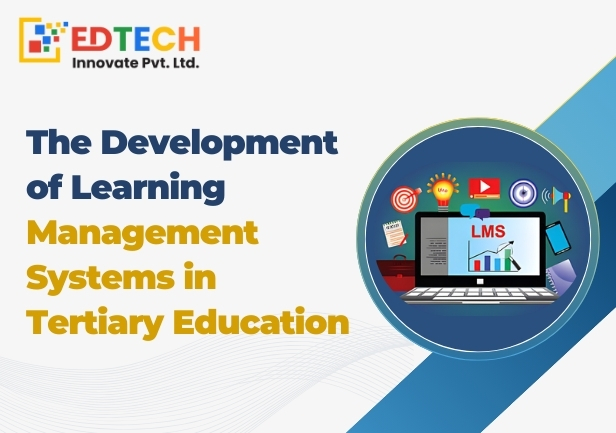
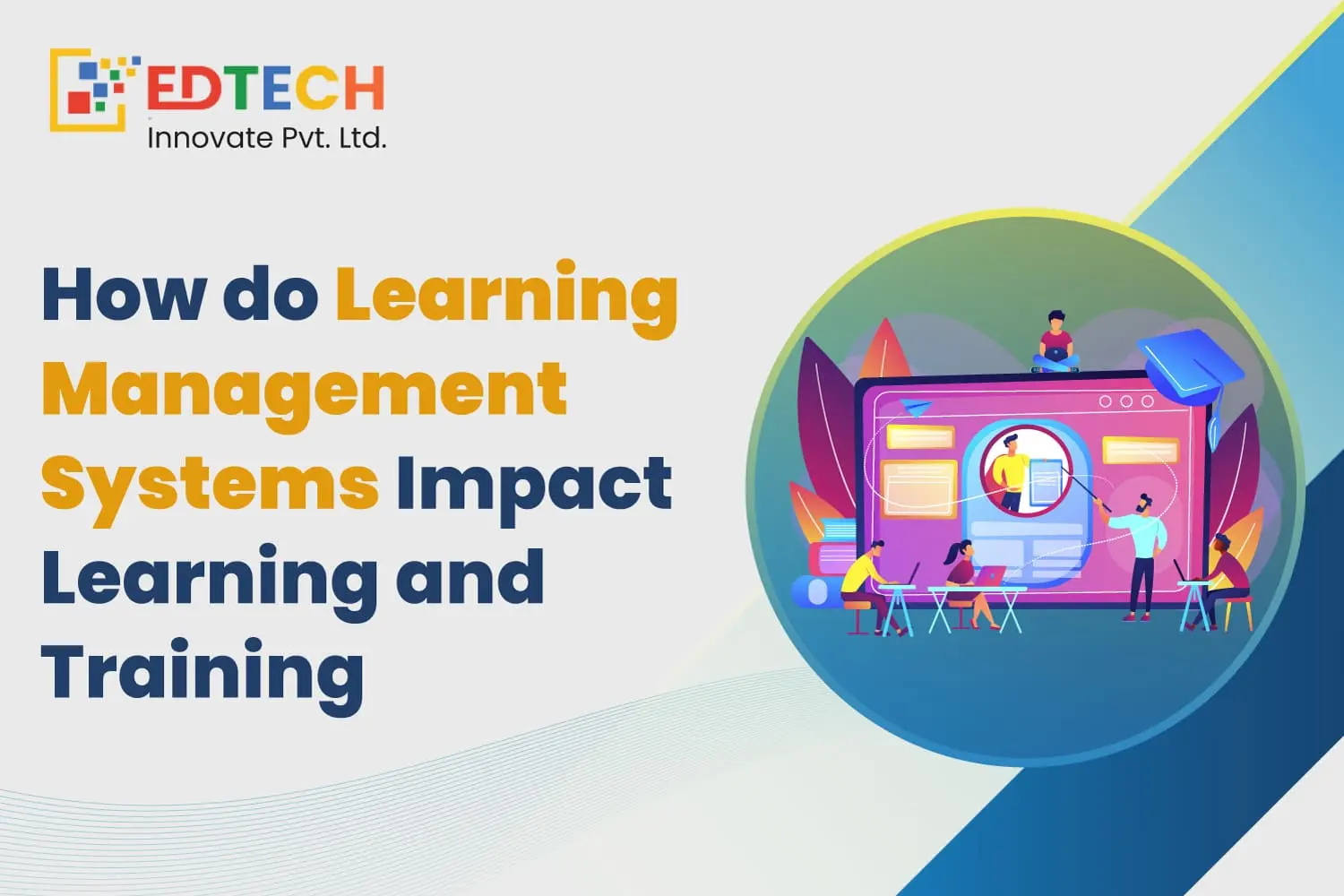
A Learning Management System (LMS) is a software platform that allows educational institutions to create, deliver, manage, and track learning content and student progress from one centralized system. In simple terms, it's the digital infrastructure that replaces scattered spreadsheets, paper attendance registers, and email threads with a single, organized environment for teaching and learning.
An LMS typically works by giving administrators, teachers, and students separate logins and dashboards. Teachers upload course material, create assignments and quizzes, and monitor attendance; students access lessons, submit work, and track their own grades; administrators oversee enrollment, reporting, and system-wide settings. Everything — content, communication, and data — lives in one connected system rather than across dozens of disconnected tools.
Traditional learning relies on physical classrooms, printed materials, and manual record-keeping, which limits flexibility and makes it harder to personalize instruction at scale. LMS-based learning, by contrast, supports anytime access, automated tracking, and data-driven decisions. A common misconception is that an LMS is only useful for fully online schools — in reality, most institutions today use an LMS to support hybrid models, supplement in-person teaching, and simplify administrative work, not to replace teachers.
Not every LMS needs every feature on the market, but a strong platform for an educational institution should include the following:
Here's how some of the most widely used LMS platforms compare for educational use:
|
LMS |
Best For |
Free Plan |
Starting Price |
Key Features |
|
Moodle |
Schools & Universities |
Yes |
Custom (self-hosted) |
Open source, highly customizable course management |
|
Google Classroom |
Schools |
Yes |
Included with Workspace plans |
Simple, familiar interface and easy collaboration |
|
Canvas LMS |
Higher Education |
Limited |
Custom (quote-based) |
Strong assessment tools and learning analytics |
|
Blackboard Learn |
Universities |
No |
Custom (quote-based) |
Enterprise-grade learning and administration tools |
|
TalentLMS |
Training Institutes |
Yes |
Tiered pricing |
Fast setup and easy course creation |
|
LearnWorlds |
Online Courses |
Trial available |
Tiered pricing |
Built for selling and marketing courses |
Moodle remains a favorite for institutions that want full control and customization through an open-source platform, though it typically requires technical staff to host and maintain. Google Classroom is popular in K-12 settings for its simplicity and tight integration with Google Workspace, though it offers fewer advanced analytics. Canvas LMS is widely used in higher education for its strong assessment and reporting tools. Blackboard Learn suits large universities that need enterprise-scale administration but comes with a steeper learning curve and cost. TalentLMS and LearnWorlds are geared more toward training institutes and course creators who need fast setup or built-in course-selling capabilities rather than full academic administration.
Selecting the right LMS Software for Educational Institutions comes down to matching the platform to your institution's specific needs. Follow these steps:
LMS pricing varies significantly depending on how a platform is deployed and what it includes. Rather than fixed numbers, it helps to understand the factors that drive cost:
|
Pricing Factor |
What It Affects |
Typical Range |
|
Number of users |
Per-student or per-teacher licensing costs |
Scales with enrollment |
|
Cloud vs self-hosted |
Ongoing subscription vs one-time setup + maintenance |
Varies widely by vendor |
|
Storage limits |
Cost of hosting videos, assignments, and media |
Tiered by GB/TB |
|
Support level |
Priority support, dedicated account manager |
Higher tiers cost more |
|
Customization |
Branding, custom workflows, API access |
Enterprise plans only |
|
Integrations |
Connecting to SIS, video conferencing, payment gateways |
May require add-on fees |
Because pricing structures differ by vendor and region, it's best to request a quote or check the provider's current pricing page rather than relying on fixed figures, which change frequently.
Read More - Growth Of Universities Through Admission Management System Software
While schools and universities are the most common users, an LMS supports learning in many settings:
A Learning Management System for Educational Institutions is no longer a luxury reserved for large universities — it's becoming a baseline expectation. Institutions that adopt one see better student engagement, improved learning outcomes, and a noticeable reduction in administrative workload. Over time, the cost efficiency and scalability of a well-chosen LMS often outweigh the upfront investment, especially as institutions grow. Beyond operations, an LMS gives leadership access to data-driven insights that were previously impossible to gather manually, and it gives institutions a competitive advantage when attracting students and parents who now expect digital-first learning experiences.
A Learning Management System has moved from a helpful add-on to a core part of how modern educational institutions operate. It brings together course delivery, student management, communication, and analytics into one platform, saving teachers time and giving administrators the visibility they need to make better decisions. The right choice depends on your institution's size, budget, and long-term goals — no single platform is best for everyone. By comparing features, testing demos, checking integrations, and planning implementation carefully, schools, colleges, and training institutes can select an LMS that supports both current needs and future growth. Investing in the right Learning Management System today sets the foundation for a more engaging, efficient, and data-informed learning environment tomorrow.
What is a Learning Management System?
A Learning Management System is a software platform used to create, deliver, and track educational content and student progress in one centralized system.
Which is the best Learning Management System for schools?
The best choice depends on institution size and budget, but Moodle and Google Classroom are widely used in school settings for their ease of use and low cost of entry.
Is there a free Learning Management System?
Yes, several platforms including Moodle and Google Classroom offer free plans or open-source versions suitable for many institutions.
How much does a Learning Management System cost?
Cost depends on factors like number of users, hosting model, storage, and support level; it's best to request a current quote from vendors rather than relying on fixed pricing.
What features should an LMS have?
Core features include course management, student management, assignment and quiz tools, attendance tracking, mobile access, and learning analytics.
How does an LMS improve student learning?
It enables anytime access to content, personalized learning paths, interactive materials, and real-time progress tracking that helps students and teachers address gaps early.
How long does LMS implementation take?
Implementation timelines vary by institution size and complexity, but a basic rollout with proper data migration and training can typically be completed within a few weeks to a couple of months.
Is an LMS suitable for small schools?
Yes, many LMS platforms offer scaled pricing and simplified plans that work well for small schools with limited budgets and IT staff.
Can a Learning Management System integrate with Google Classroom and Microsoft Teams?
Many LMS platforms support integrations with Google Classroom, Microsoft Teams, and other common education tools, though the depth of integration varies by vendor.
How do I choose the best Learning Management System for my institution?
Start by identifying your institution's needs and budget, then compare features, test demos, check integrations, and plan for future scalability before making a decision.