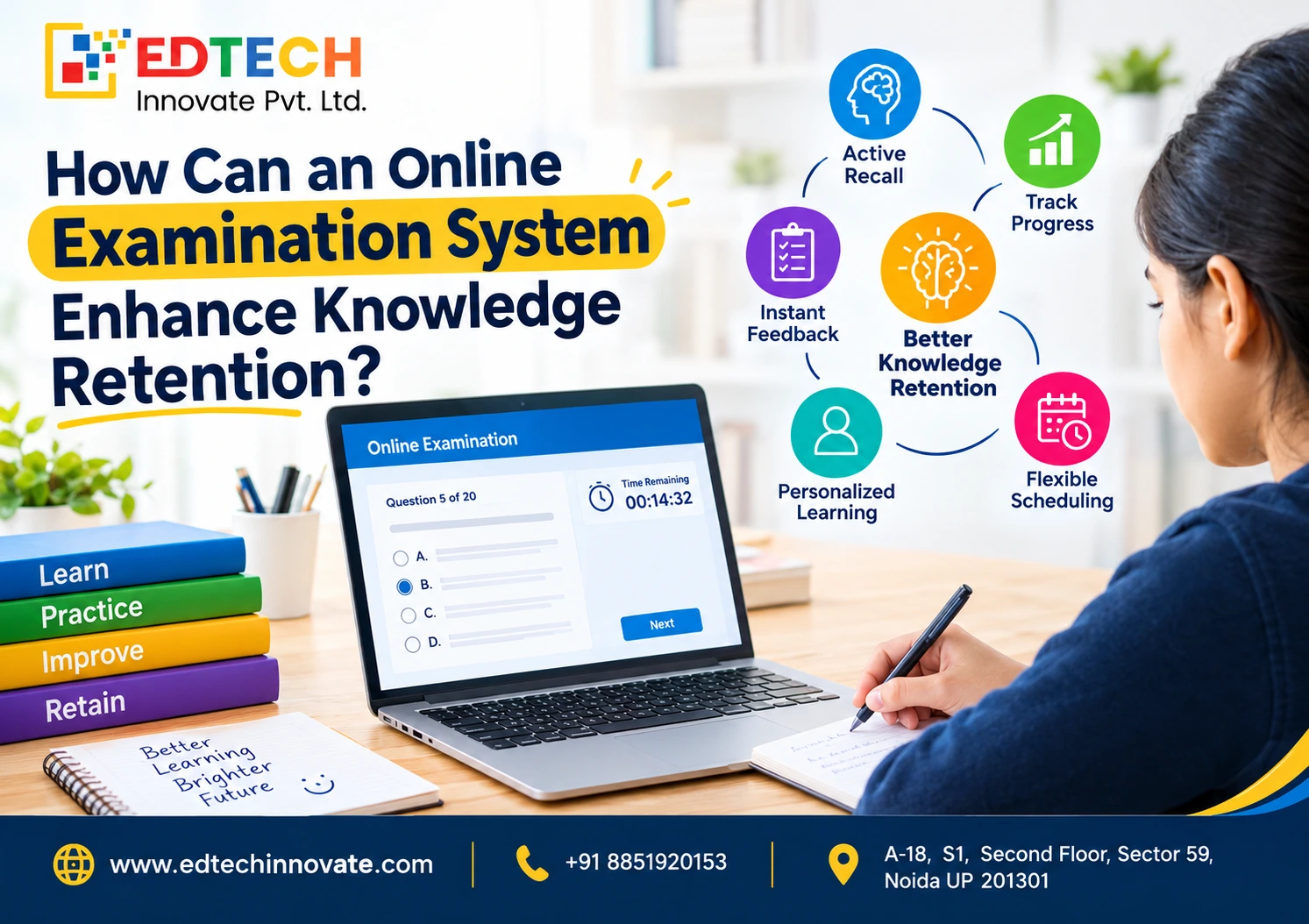
An online examinatio...

Every growing business eventually runs into the same problem: training doesn't scale the way the rest of the company does. New hires need onboarding, existing employees need upskilling, and compliance requirements never stop changing — yet many organizations are still relying on scattered spreadsheets, one-off workshops, and outdated PDFs to get the job done. This is where an LMS for employee training changes the equation. A Learning Management System brings courses, employee progress, certifications, and reporting into a single, centralized platform, replacing ad-hoc training with something consistent and measurable.
The shift toward remote work, hybrid teams, and broader digital transformation has only accelerated the demand for online employee training. Teams are no longer sitting in the same room, and businesses need a way to deliver corporate training that works regardless of location, time zone, or device. An LMS makes that possible by making training accessible, scalable, and easier to track than traditional methods ever allowed.
In this guide, we'll walk through why businesses need an LMS for employee training, the core benefits and features to look for, how to choose and implement the right platform, what it typically costs, and the mistakes to avoid along the way — so you can make an informed decision rather than a rushed one.
An LMS for employee training is a software platform that helps businesses create, deliver, manage, track, and measure employee learning and development programs from one centralized system. Instead of managing training materials across email threads, shared drives, and in-person sessions, a Learning Management System gives HR teams and managers one place to build courses, assign them to employees, and monitor results.
Traditional training typically relies on live sessions, printed manuals, and manual tracking in spreadsheets. LMS-based training replaces that with on-demand courses, automated assignments, and real-time reporting — which is especially valuable for businesses managing remote teams, multiple departments, or frequent new hires. Any organization with employees to train, from a five-person startup to a multinational enterprise, can use an LMS, though the features they need will differ by size and complexity.
As teams grow and training needs multiply, the gap between what businesses need and what manual processes can deliver becomes harder to ignore. Here's where an LMS makes the most difference.
An LMS stores every training material, course, and resource in one place, so employees aren't hunting through email attachments or shared folders. This also makes it easier to standardize training across teams and departments, since everyone is drawing from the same source instead of whatever version happens to be on hand.
As a company adds employees, new locations, or remote hires, training needs to scale without requiring more trainers or more hours in a room. An LMS lets businesses train new employees faster, deliver consistent training across locations, and manage learning for remote and hybrid teams without rebuilding the process each time.
Structured onboarding programs help new hires get productive faster. An LMS can automate introductory training, track new-hire progress against a checklist, and reduce the repetitive administrative work that typically falls on HR during the first weeks of employment.
When training is delivered ad hoc, different employees end up with different levels of knowledge. An LMS helps ensure employees receive the same core training, standardizes company policies across the organization, and reduces the training gaps that often show up only after something goes wrong.
Perhaps the biggest shift from traditional training is visibility. An LMS lets businesses track course completion, monitor assessment results, analyze employee progress over time, and identify skill gaps before they become performance issues.
Structured, well-organized training helps employees learn processes, tools, and systems more efficiently than piecing information together on their own. When training is clear and accessible, employees spend less time searching for answers and more time applying what they've learned.
Modern LMS platforms support interactive learning, progress tracking, certifications, gamification, and personalized learning paths — all of which can make training feel less like a chore and more like a genuine part of professional growth.
Employees who have access to continuous learning and clear professional development paths often report higher satisfaction with their employer. While an LMS alone won't fix every retention challenge, it removes one common barrier: the lack of visible growth opportunities.
Moving training online can reduce travel expenses, classroom costs, repetitive trainer hours, administrative overhead, and the cost of producing physical training materials — particularly for businesses training employees across multiple locations.
For regulated industries, an LMS can assign mandatory training automatically, track completion in real time, store certifications securely, send reminders before deadlines, and maintain the training records needed for audits.
Because an LMS captures data on completion rates, assessment performance, employee progress, and course engagement, businesses can evaluate which training programs are actually working — and adjust the ones that aren't — instead of guessing.
Not every business needs every feature on this list, but understanding what's available helps you build an accurate shortlist.
The table below outlines why many businesses are moving away from manual training processes and toward digital learning systems.
|
Feature |
Traditional Training |
LMS-Based Training |
|
Training Delivery |
Classroom/manual |
Online/digital |
|
Employee Tracking |
Manual |
Automated |
|
Reporting |
Limited |
Advanced |
|
Scalability |
Difficult |
Easy |
|
Remote Learning |
Limited |
Supported |
|
Training Records |
Spreadsheets/files |
Centralized |
|
Automation |
Low |
High |
|
Progress Tracking |
Manual |
Real-time |
|
Employee Access |
Fixed schedule |
Anytime/anywhere |
Traditional training isn't obsolete — instructor-led sessions still matter for hands-on skills and team-building. But for repeatable, trackable training at scale, an LMS consistently outperforms manual processes.
A well-run LMS supports the full training lifecycle, not just course delivery:
Businesses evaluating how to choose an LMS for employee training should work through these steps systematically rather than picking the first platform that looks appealing:
LMS pricing varies widely depending on the number of users and administrators, the depth of features included, storage limits, course creation tools, automation, reporting, integrations, security, customer support, customization, implementation services, and increasingly, AI capabilities. Because pricing structures differ significantly between vendors, it's worth comparing quotes directly with providers rather than relying on advertised starting prices alone.
|
LMS Pricing Model |
Best For |
Advantages |
Limitations |
|
Free LMS |
Small teams/testing |
Low cost |
Limited features |
|
Per User |
Growing businesses |
Predictable pricing |
Cost increases with users |
|
Per Active User |
Businesses with varying usage |
Pay for active learners |
Requires usage monitoring |
|
Flat Subscription |
Established teams |
Simple budgeting |
May overpay for unused seats |
|
Enterprise Pricing |
Large organizations |
Custom features/support |
Higher investment |
Exact pricing should always be confirmed directly with vendors, since rates change and often depend on negotiated terms.
Identify what employees need to learn and why, before evaluating any platform.
Review existing courses, documents, videos, and assessments to see what can be reused.
Choose a platform based on business requirements, user count, budget, integrations, and scalability.
Create clear categories, learning paths, and employee groups before launch.
Make sure HR and training managers understand how to operate the platform confidently.
Explain the benefits clearly and provide simple, step-by-step instructions.
Monitor logins, course completion, assessment results, and engagement in the first weeks.
Use LMS reporting and employee feedback to refine training over time.
The best LMS for employee training depends heavily on the size, structure, and complexity of the organization using it. A platform built for a 20-person team will rarely suit a 5,000-employee enterprise, and vice versa.
|
Factor |
Small Business |
Enterprise |
|
Users |
Smaller teams |
Large workforce |
|
Budget |
Cost-conscious |
Larger investment |
|
Features |
Essential features |
Advanced features |
|
Administration |
Simple |
Multiple administrators |
|
Integrations |
Core integrations |
Complex ecosystem |
|
Customization |
Moderate |
Extensive |
|
Reporting |
Basic/advanced |
Advanced analytics |
|
Scalability |
Important |
Critical |
AI and automation are steadily changing what employees expect from a training platform. Trends to watch include:
These trends point toward LMS platforms becoming more personalized and data-driven, but businesses should evaluate AI features on their actual usefulness rather than adopting them for novelty.
Employee training is often treated as an HR expense rather than a strategic investment — but the businesses that treat it strategically tend to see the clearest returns. An LMS can contribute to:
Beyond day-to-day training, an LMS contributes to broader workforce development goals: strengthening employee productivity, supporting knowledge retention, enabling leadership development, and driving skills development across the organization. It also supports employee engagement, internal mobility, and consistent company processes, while giving HR and leadership the workplace learning data and employee performance tracking needed to make informed, data-driven training decisions and improve learning analytics over time.
An LMS for employee training has become less of a nice-to-have and more of a foundational tool for modern businesses managing growth, compliance, and increasingly distributed teams. Done well, it improves employee training, onboarding, productivity, engagement, and compliance in ways that manual processes simply can't match at scale.
The right choice depends on your organization's actual training needs — not just price. Prioritize scalability, usability, integrations, analytics, and employee adoption over flashy feature lists. Before committing to a platform, take advantage of demos and free trials to see how it performs with your real content and your real team.
Treat employee learning as a long-term investment in business performance, not a line-item expense — the businesses that do tend to build more capable, more engaged, and more resilient teams over time.
What is an LMS for employee training?
An LMS for employee training is a software platform businesses use to create, deliver, track, and measure employee learning programs from a single centralized system, replacing scattered manual training methods.
Why does a business need an LMS?
An LMS centralizes training, automates repetitive administrative work, and provides measurable data on employee progress — making training more consistent, scalable, and easier to manage as a business grows.
What are the benefits of using an LMS for employee training?
Key benefits include improved productivity, higher engagement, better retention, reduced training costs, stronger compliance tracking, and clearer visibility into training ROI through built-in analytics and reporting.
Is an LMS suitable for small businesses?
Yes. Many LMS platforms are built specifically for small teams, offering essential features like course management and progress tracking without the cost or complexity of enterprise-grade systems.
What is the best LMS for employee training?
There is no single best LMS for every business — the right choice depends on company size, budget, required features, and integrations. Evaluate platforms against your specific training goals.
How much does an LMS cost for a business?
Pricing varies by model — free, per-user, per-active-user, flat subscription, or enterprise pricing — and depends on features, user count, and support level. Confirm exact costs directly with vendors.
What features should an employee training LMS have?
Look for course management, progress tracking, assessments, certifications, reporting, mobile access, automation, and integrations with HR tools, though exact needs vary by business size and industry.
Can an LMS improve employee productivity?
An LMS can support productivity by making training more structured and accessible, helping employees learn processes faster, though results depend on content quality and how well the platform is adopted.
Can an LMS help with employee onboarding?
Yes. An LMS can automate onboarding checklists, assign introductory courses automatically, and track new-hire progress, reducing repetitive administrative work for HR teams.
Can an LMS track employee training progress?
Yes. Most LMS platforms track course completion, assessment scores, and time spent on training, giving managers real-time visibility into individual and team progress.